Understand The Work
Start with the customer, the team, and the conditions the work has to survive.

AI Workflow Automation & Web Design
Ponte Vedra & Jacksonville, FloridaI build websites that make it easy to get in touch, then connect the forms, inboxes, and follow-up behind them. Practical design and automation for small businesses, built around the way you work.
Need a simple website? Explore the $249 three-page Starter Website ↗

Clear Starting Points
Practical packages for small businesses. Start with a focused project, then connect the systems that support it.
One-time · A custom three-page website
Explore Website Design ↗02 / Keep Inquiries MovingThen $49/month
Connect Your Follow-Up ↗03 / Help Customers Find AnswersThen $99/month
Explore AI Assistance ↗04 / Connect The Work Behind ItThen $199/month
Build A Better Workflow ↗USD. Hosting, domain, software and usage costs are separate. Scope and support are confirmed before work begins.
For Small Businesses
A useful website, clear content, and a dependable next step when someone gets in touch. Start with one service or connect them into a working system.
Clear service pages, local search foundations, and a straightforward path to inquire.
Organized inquiries, reply drafts for review, and reminders that help you follow through.
Brand visuals, photography, video, and a manageable publishing plan.
Start with the part of your business that needs attention. We can connect the rest as the work grows.
One-to-one personal AI training · Ponte Vedra
Learn to use AI yourself, at your pace, on everyday tasks that matter to you. You do not need a new website, an automation package or a technical background.
Work through a real task with Brian, learn how to ask useful questions, and practice checking the result before you use it. Bring sample or redacted information and keep control of your accounts.
Discuss personal AI training ↗Book an appointment ↗Tell us your comfort level, the tools you use and one task you would like to learn. Session format, length and pricing are agreed before booking.
01 / Selected Work
Explore the wider work: production systems, creative tools, and e-commerce. Each project explains what is implemented, what has been tested, and what is still in development.
 01Featured Web Project · Live Shopify Store
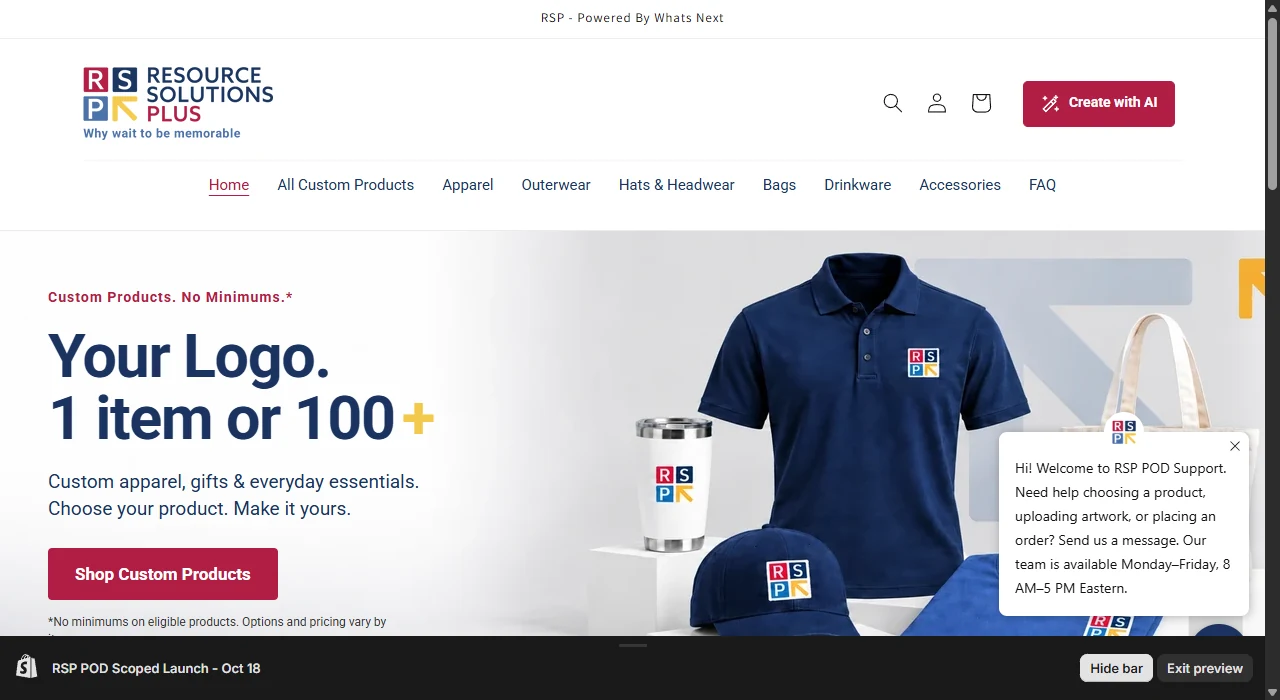
Shopify Design / AI Artwork / Production WorkflowRSP Print on DemandA Shopify store for custom apparel and hardgoods. Shoppers can upload a logo or create artwork with AI, preview its placement, and order one item or outfit a team.Live Storefront · Production Handoff In Testing
View DetailsClose Details
My Role
Tools & Focus
Shopify · Cloudlift · HubSpot · PrintFlo · Printavo · Zapier
The Work
Customers choose an item and its available decoration options, then upload artwork or use AI to create a design for that product.
A magic-wand walkthrough offers one relevant tip at a time for artwork, placement, a second logo, and personalization. Shoppers can hide and reopen the tips.
Cart checks verified that artwork and options followed representative items to checkout. On the production side, each artwork file needs to land in its labeled Printavo imprint area.
Current Status
The Shopify storefront is live. Automated artwork preparation and placement across the production workflow are still being validated.
 02Featured Web Project · Moab, Utah
Website Design / AI Chat / Service AutomationMOAB 4x4A retro website for an off-road shop, with AI-assisted vehicle intake and backend workflows for Google Calendar drop-offs, Gmail, and Zapier alerts.Live Website · Service Workflow
View DetailsClose Details
My Role
Tools & Focus
Bluehost · Zapier · Google Calendar · Gmail · SMS by Zapier
The Work
A neon desert identity, a scrolling dealer-brand bar, and workshop updates from the shop’s social feed.
AI chat helps customers describe their vehicle symptoms. Recovery calls and routine service have clear paths of their own.
Calendar availability, email summaries, and short urgent alerts give the shop a workflow it can manage.
The Result
A live shop website with a clearer route from a customer’s first question to the right shop response.
 03Featured Case Study · Live WebsiteWebsite Design / Event AutomationPalm Valley JeepsA cleaner, faster club website with an interactive event calendar—and a practical opportunity to automate how local events are discovered, verified, and shared.Live Website · Calendar Automation PilotView DetailsClose Details
The Focus
Tools & Focus
WordPress · Bluehost · Custom Event Calendar · Weekly Event Discovery · Planned Zapier Connections
The Work
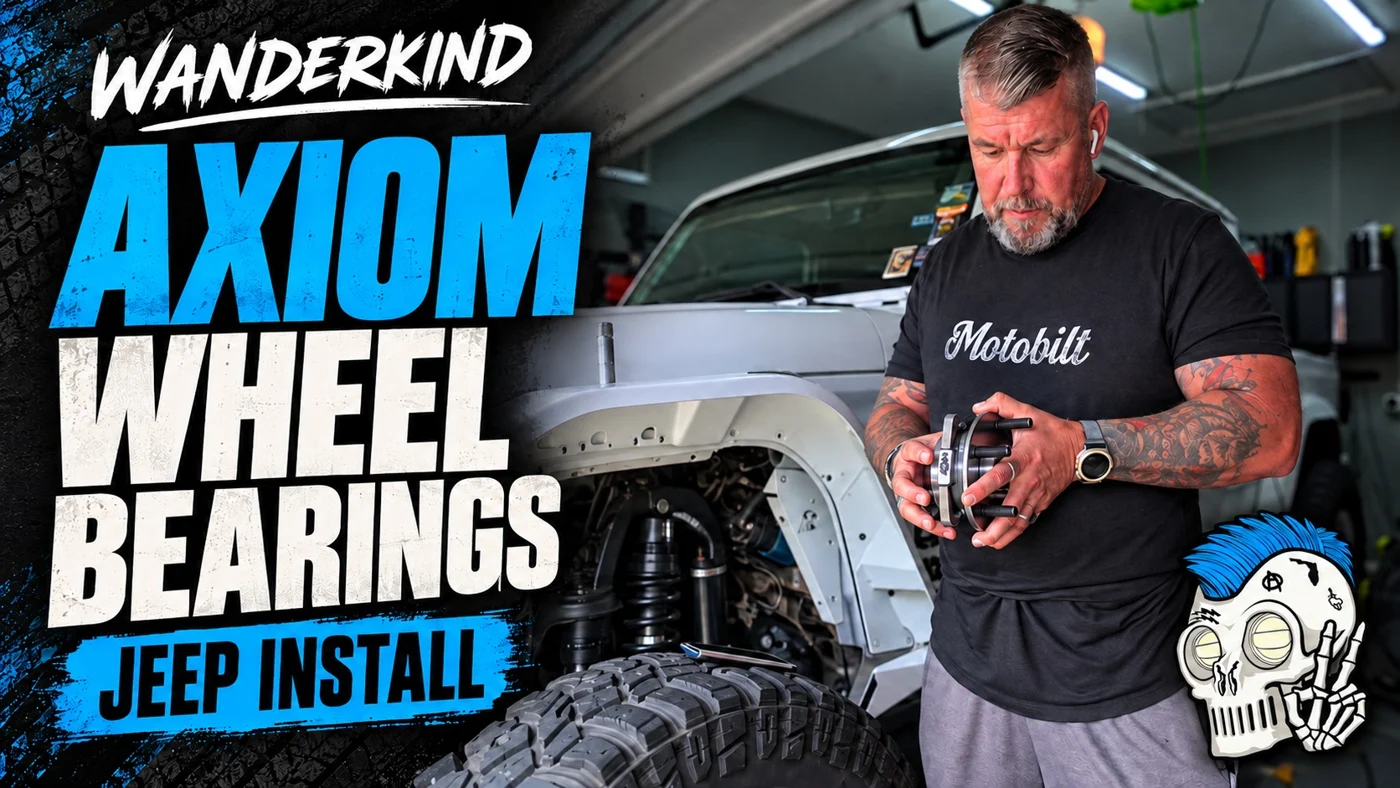
A clean outdoor-inspired homepage with original club footage, clear event and signup paths, and space for stock and modified Jeeps.
Agenda and month views, event categories, archived adventures, source links, and add-to-calendar downloads. Palm Valley Jeeps events are marked Official Club Ride; partner and community events are marked No Official Club Ride.
A weekly check of public partner-club and major-event sources can find relevant Jacksonville-area Jeep events, verify the organizer, date, time, and location, check for duplicates, then add confirmed events with the correct club-ride label. Unclear details stay out of the calendar until verified.
Existing newsletter records preserved with confirmation and suppression status. Native signup replaces the old popup. A potential Zapier extension can turn one published calendar event into email and social drafts for review, helping members stay informed even without social media.
Current Status
The refreshed website and calendar are live, with two verified upcoming community events published. A weekly discovery task is scheduled; its first unattended run still needs validation and depends on source access. Email delivery and the proposed Zapier draft workflow require connection and testing. Official news links are live; automatic news refresh is blocked by the source.
 04Production Floor · Anchor Photo Archive
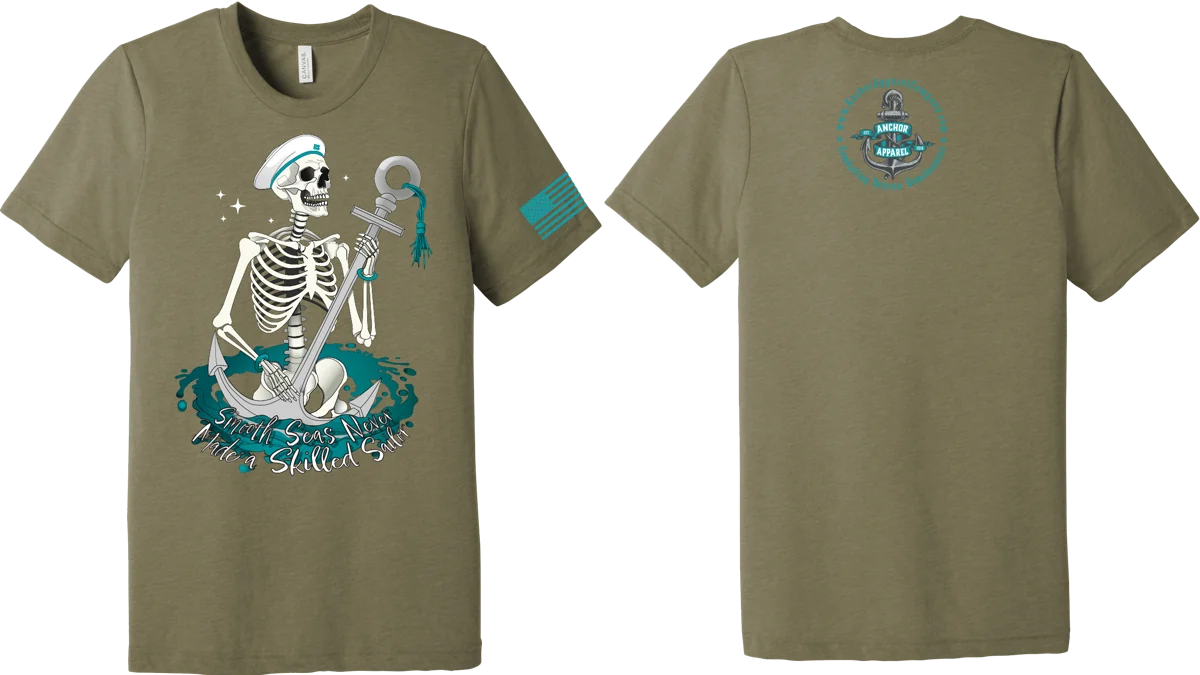
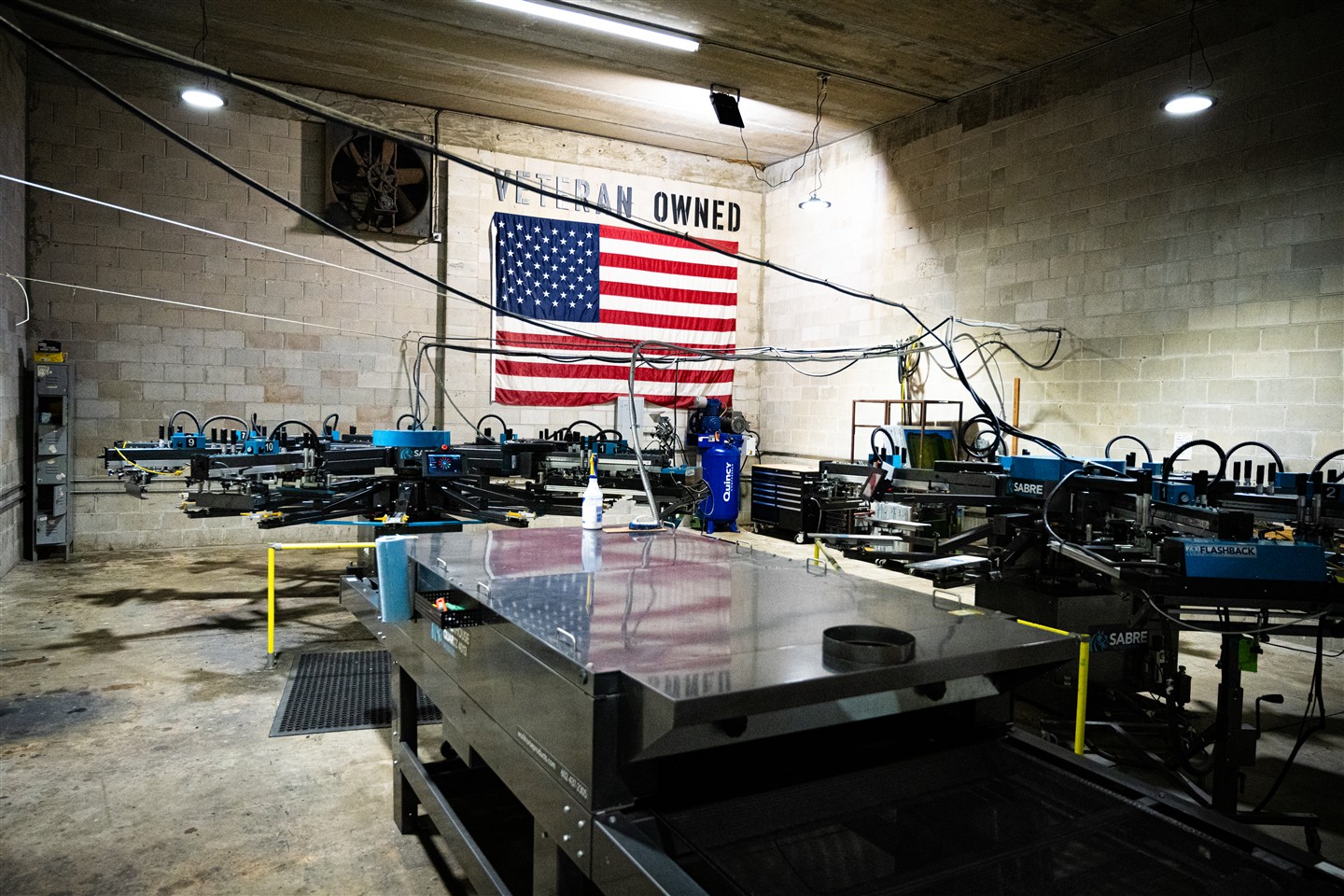
Creative Operations / Workflow AutomationAnchor ApparelInkSoft stores connected to Printavo in a fully automated order-management workflow, from order creation through fulfillment and follow-up.Implemented · Automated Order Management
View DetailsClose Details
My Role
Tools & Focus
InkSoft · Printavo · Custom Forms & APIs · Station Tablets
The Work
Built and promoted on-demand InkSoft stores for schools and organizations. Orders flowed into Printavo, with each step triggering the next through fulfillment and follow-up.
Used scripts and tablets to check artwork, placement, colors, garment sizes, and quantities. Flagged jobs stayed on hold until the issue was corrected and checked again.
Built custom customer-acquisition forms and APIs for customer follow-up and Google review requests.
The Result
An implemented order-management workflow with quality checks built into production. Improved print accuracy by holding flagged jobs until errors were corrected and checked again.
 05Actual Interface · Private Pilot
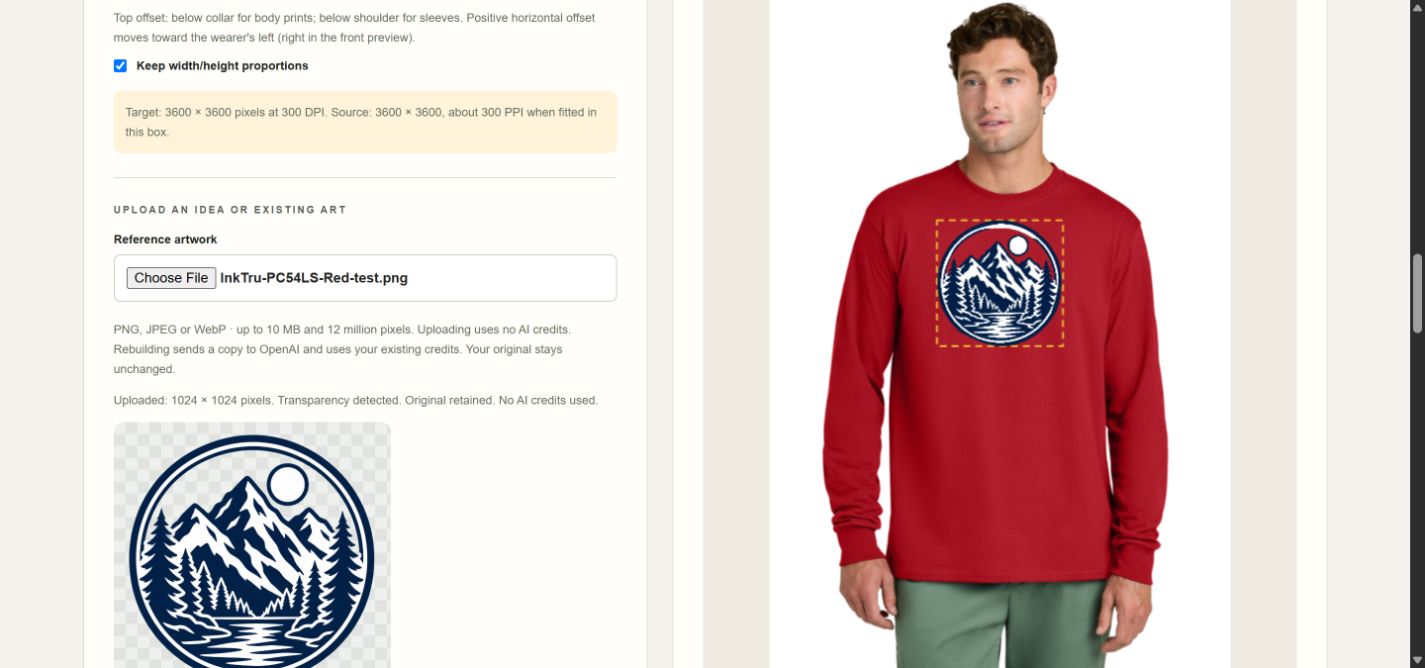
Applied AI / Product & Creative DirectionInkTruBringing print-production judgment to AI-assisted artwork preparation, with originals preserved and review built in.Private Pilot · Tested Artwork Workflow
View DetailsClose Details
My Role
Tools & Focus
AI-Assisted Artwork Preparation · Protected Tracing · Visual Review
The Work
Translate print-production requirements into an artwork workflow that preserves the original and keeps approval with the user.
A comparison caught an AI rebuild filling transparent openings. Protected tracing preserved those openings in the corrected test.
Verified a 3600 × 3600 transparent PNG at 300 DPI, with zero protected-opening pixels filled in that test. Physical print proof remains pending.
The Result
A private artwork-processing pilot with a verified correction and review controls. Implementation developed with AI assistance.
 06Actual Interface · Framing Preview
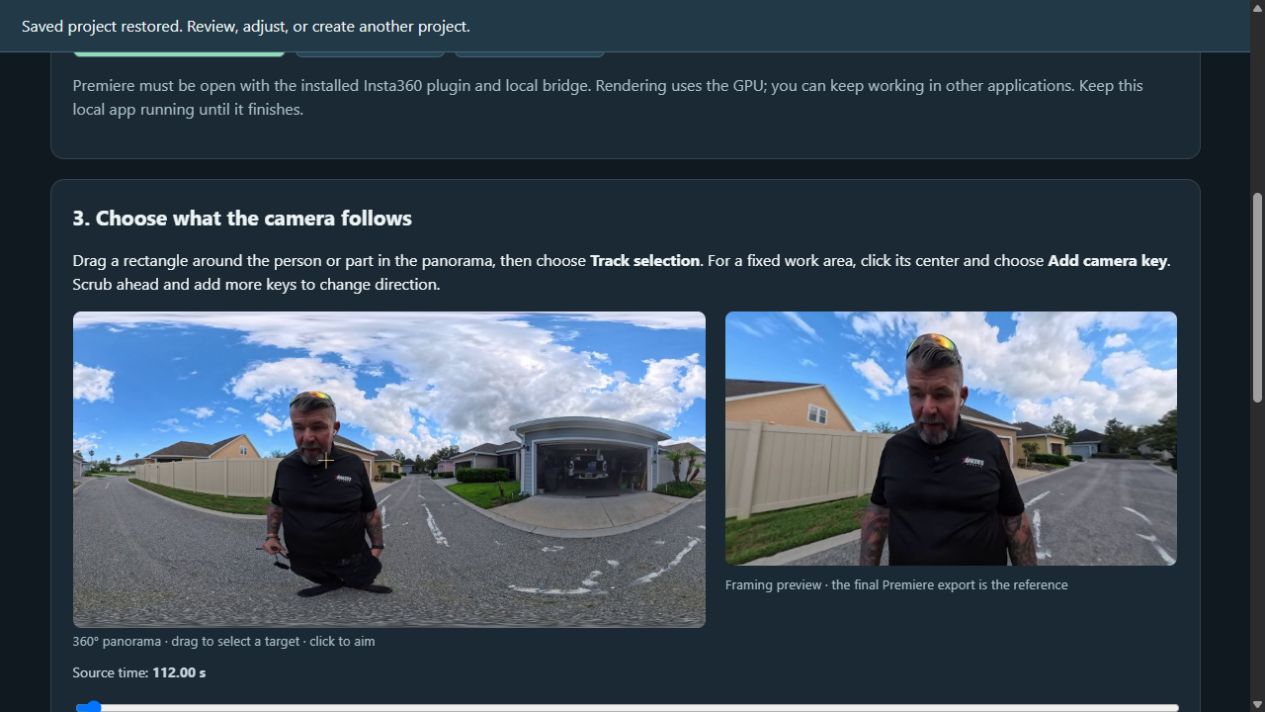
Video Operations / Local AILocal360Turning 360° footage into editable framing drafts with local AI, manual corrections, and a repeatable export workflow.Working Tool · Verified Draft Exports
View DetailsClose Details
My Role
Tools & Focus
Local Vision AI · Tracking · Manual Framing · Premiere Export
The Work
Use local AI and tracking to create a first pass from 360° footage while preserving the original source.
Review the panorama and reframed preview, correct the subject or camera direction, and retain editable framing decisions.
Export 1080p H.264 with original audio, an editable Premiere project, and framing-range data. Queue and recovery support make repeated processing practical.
The Result
A working local tool with verified draft exports, including the eight-second sample in the case study. Editorial approval remains a human step; implementation was AI-assisted.
Explore each project’s context, my role, the key decisions, and the evidence behind the result.
02 / How I Work
Working close to production has shaped how I think about design. The visual idea and the process behind it need to work together.
More About My Background ↗Start with the customer, the team, and the conditions the work has to survive.
Connect the creative decisions with the information, tools, and handoffs needed to deliver them.
Use review points, real samples, and production knowledge to evaluate the result—including AI-assisted output.
03 / More Of The Creative Work
The illustration, identity, and storytelling behind the systems perspective.
Websites / Inquiries / Better Follow-Up
Tell me where your website or workflow gets stuck. I’ll review what you need and help define a practical first step.
Jacksonville & Ponte Vedra · Local And Remote Projects
Start A Conversation
Blue View Studio is an authorized Zapier Silver Solution Partner. Brian completed Zapier partner onboarding and General Access Training.

Brian completed Google’s seven-course program through Coursera, covering marketing, search, analytics and e-commerce.
Verify Brian’s certificate ↗