
Jacksonville, Florida / Small-Business Systems
AI Workflow Setup.
Built Around Your Work.
Connect your inquiry form, inbox, and lead tracker—so a new request has a clear next step.
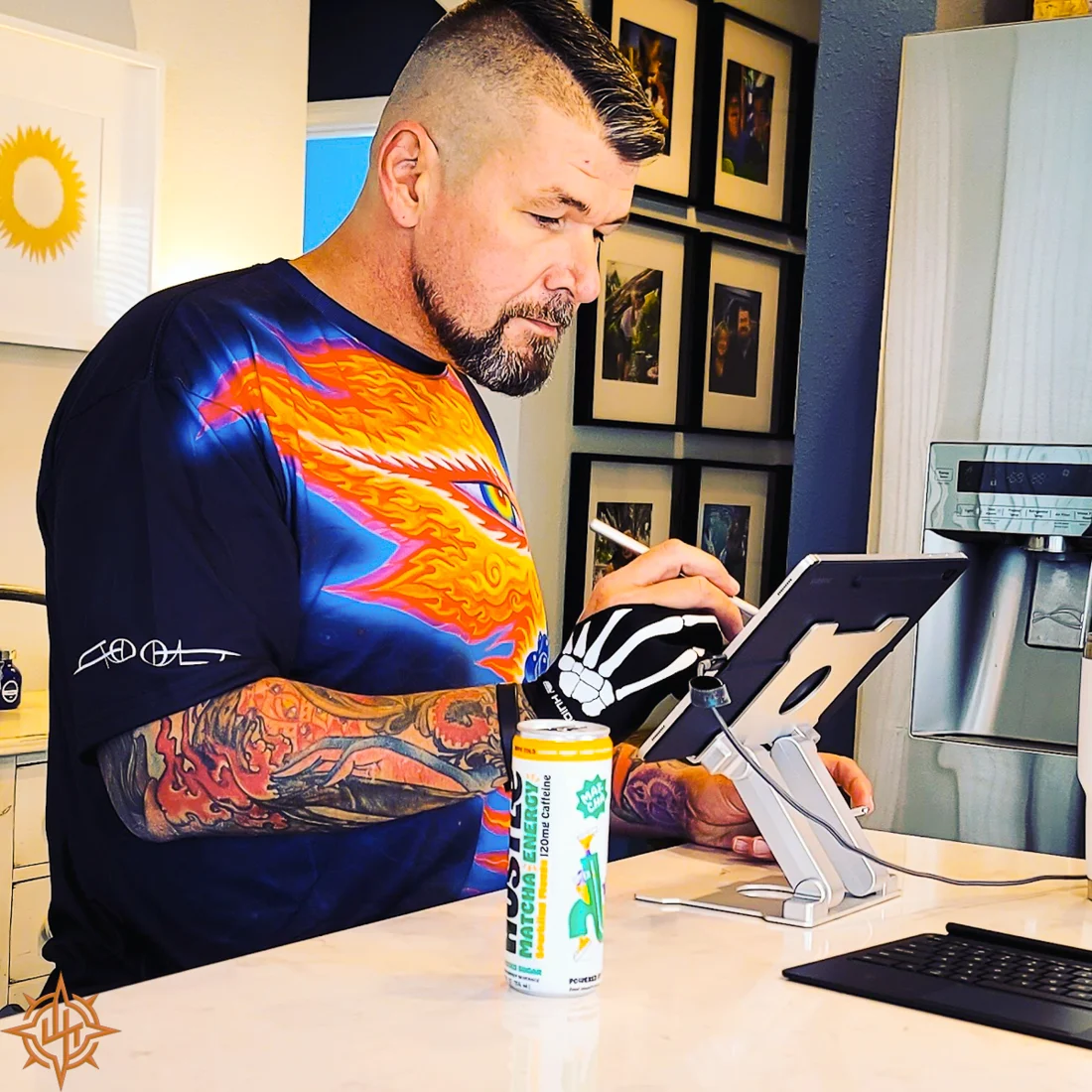
I’m Brian Martin, the person behind Blue View Studio. I help small businesses put practical automation to work, with AI-assisted drafts, review points, and a process you can understand and maintain.
A Useful Place To Start
When The Inquiry Arrives,
What Happens Next?
If requests sit in an inbox, details get copied between tools, or follow-up depends on memory, start with that process.
A small workflow can connect the tools your business already uses. A form creates an organized lead record. The request can inform a reply draft. An internal reminder brings unanswered inquiries back to your attention.
We agree on the steps, exceptions, and responsibilities before building. The aim is a dependable handoff that fits your day-to-day work.
Example / A Customer Inquiry
Capture. Review. Follow Through.
- 01 / Capture The Request
Bring the form submission into an inbox and lead tracker with the details needed to review it. Decide how duplicates and incomplete information should be handled.
- 02 / Prepare A Reply Draft
Use the inquiry to prepare an AI-assisted draft. You review the wording, correct anything that needs attention, and choose when to send it.
- 03 / Keep Track Of Follow-Up
Surface inquiries that still need a response. Define when reminders stop, including a sent reply or a lead you have closed.
This is an example starting scope. Your workflow is designed around your tools, permissions, and actual customer journey.
Explore The Interactive Example ↗What The Setup Includes
A Working Process.
A Clear Handover.
- Workflow review: map the current process and choose one useful improvement.
- Connections: agree how the form, inbox, and tracker exchange the required information.
- Review controls: define what is automated and what requires your decision.
- Testing: check a normal inquiry, incomplete information, duplicates, and the conditions that should stop a reminder.
- Handover: walk through daily use, ownership, and what to do if a connection needs attention.
Start with one form, one inbox, and one workflow. Any additional tools, subscriptions, or ongoing support are discussed as part of the scope.
Experience Behind The Service
Close To The Work.
Careful About The Details.
At Anchor Apparel, I connected InkSoft stores to Printavo and used scripted checks and tablets to support production accuracy. That work shaped how I think about handoffs, exceptions, and the information people need before moving a job forward.
Blue View’s own lead-intake work uses its website form, Zapier, a lead record, and Gmail drafts. The interactive demo shows the sequence with fictional information; it does not send a message.
Before We Start
Practical Questions.
Do I need to replace my current tools?
We start by reviewing what you already use. An existing form, business inbox, and a simple tracker may be enough for the first workflow. New software is proposed only when the agreed process needs it.
Will AI send messages to my customers automatically?
The starting service described here prepares drafts for your review. You keep the decision to send a customer reply. Any different behavior would need its own scope, controls, and testing.
How much does a workflow project cost?
The scope depends on the tools, connections, and exceptions involved. Tell me what happens today and what you want to improve; I’ll define the setup work and any software costs before implementation.
Do you work with businesses outside Jacksonville?
Blue View Studio is based in the Jacksonville area. We can discuss remote setup and handover when the work can be completed through shared screens, connected tools, and agreed access.
What should I include in my first message?
Describe the task you repeat, the tools you use, and where the process gets stuck. A short example of the handoff is enough to begin the conversation. Do not send passwords or customer records through the inquiry form.
Blue View Studio / Jacksonville, Florida
Start With One
Useful Workflow.
Tell me where a request enters your business, who handles it next, and what you wish happened more reliably.
Talk About Your Workflow ↗Also need a website or creative content? Explore All Services.